

🧪 Lab Report #4: How to Use Saturation Like a Pro (Without Ruining Your Mix)
Learn how to use tape, tube, and digital saturation tools to add life, grit, and color — without turning your mix into mud.

Introduction: The Myth of ‘Analog Warmth’
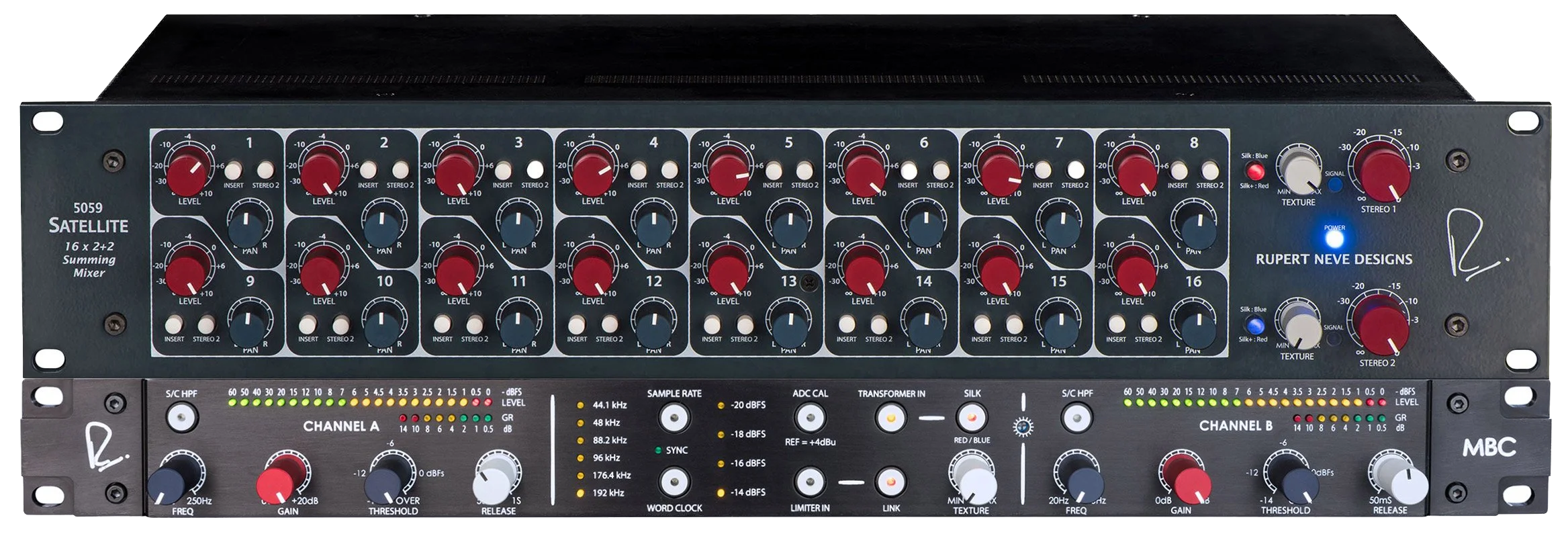
If there’s one term that gets thrown around like loose change in mixing circles, it’s “analog warmth.” Everyone wants it, few can explain it. Some think it’s tape magic. Others think it’s just a distortion. Truth is, digital saturation is the bridge between clean digital sound and the rich harmonic energy of analog gear.
The problem? Most producers overdo it. Their intentions are to add color and presence or ‘thicknes’ but what ends up happening is crushed dynamics and a swamp of fizz and mud. Which can sound relatively good in some instances but mostly bad. Like mostly.
In this Lab Report, we’ll break down what saturation really does, how to use it tastefully, and the exact pro workflows that make your mixes feel expensive — not fried.
🎓 New here? Before diving in, check out:


These build the foundation for today’s topic.
What Saturation Really Does (And Why It Sounds So Good)
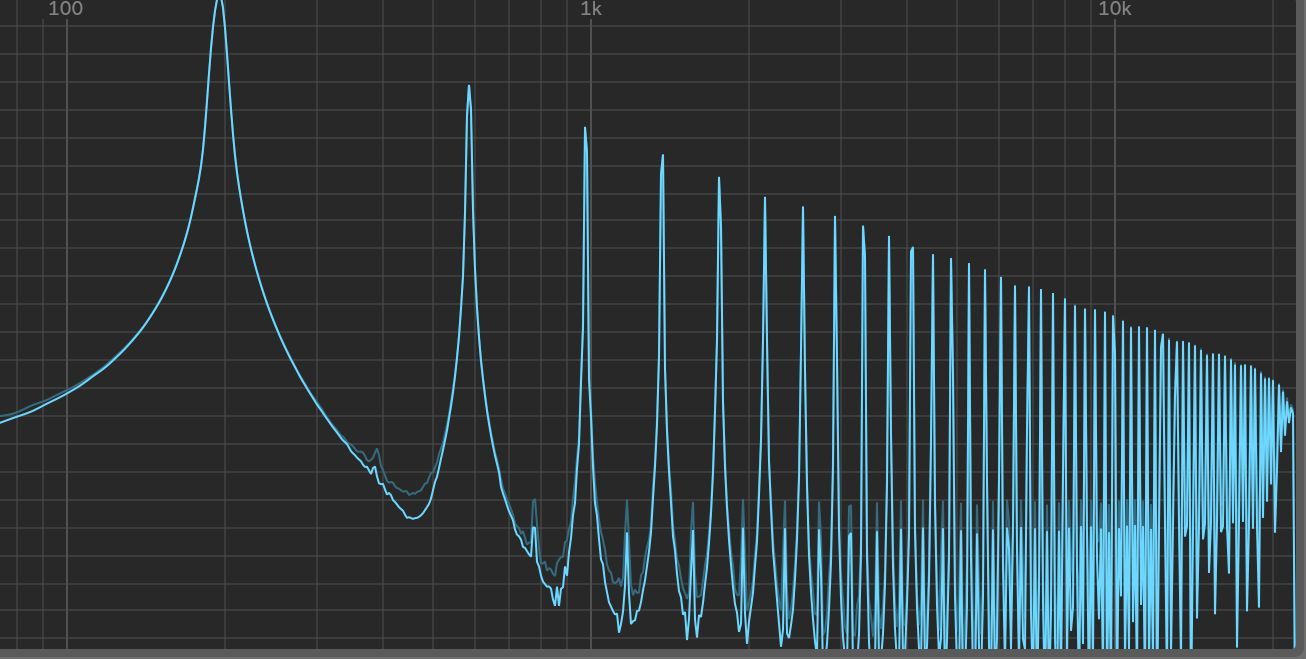
When you drive analog gear — like a tape machine, tube preamp, or transformer — it doesn’t just distort the signal. It adds harmonic content that fills the spaces between frequencies.
These harmonics make a sound feel fuller, warmer, and more “real” to our ears.
Even Order harmonics (from tubes and tape) sound musical, smooth, and warm.
Odd Order harmonics (from transistors or digital clipping) sound edgy and aggressive.
Essentially, saturation is harmonic enhancement, not destruction. It’s what happens when your sound gently kisses distortion instead of slamming into it.
The Three Main Types of Saturation (and When to Use Each)
1. Tape Saturation
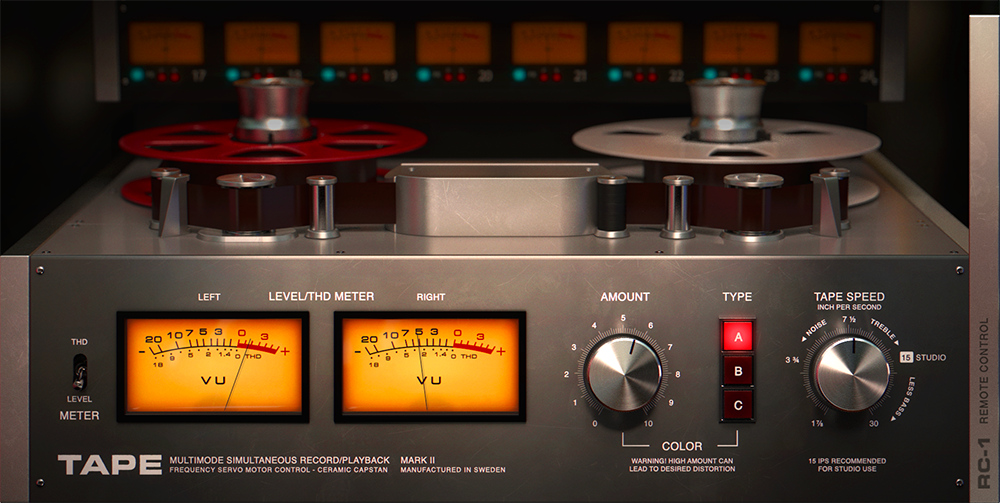
Tape gently compresses transients, rounds off highs, and thickens the low mids. Perfect for glue and cohesion.
Best use: Mix bus or drum bus.
Plugins to try: Softube Tape, UAD Ampex ATR-102, or the free FerricTDS by Variety of Sound.
2. Tube Saturation
Tube stages create even harmonics — adding smooth, bold coloration.
Best use: Vocals, bass, and instruments that need warmth.
Plugins to try: Soundtoys Decapitator (Tone A or E), Black Box HG-2, FabFilter Saturn 2 (Tube mode).
3. Digital/Clip Saturation
Digital saturation excels at crisp transient enhancement and aggressive tones.
Best use: Drums, percussion, or sound design.
Plugins to try: FabFilter Saturn 2 (Hard Clip), StandardCLIP, or Ableton’s built-in Saturator.
Airwindows FREE Saturation Plugins
How to Apply Saturation Like a Pro
Step 1: Add It After Compression
Compression evens your dynamics — saturation brings life back into the signal. Placing saturation after compression adds tone without fighting transient control.
Step 2: Use Parallel Saturation for Control
Instead of burning your main track, duplicate it and apply saturation to the copy. Blend it back in until you feel the warmth, not hear the distortion.
Step 3: Listen in Context, Not Solo
Saturation can make a solo track sound “better” but ruin a mix. Always tweak in context — especially on vocals and drums.
🧠 Pro Insight: Subtle harmonic distortion increases perceived loudness without touching your limiter. Use this to add volume and vibe before mastering.
Common Saturation Mistakes (That Wreck Your Mix)
Over-saturating every track.
Not everything needs grit — pick your battles.Using saturation before EQ.
You’ll boost unwanted harmonics and muck up your low end.Confusing distortion with tone.
Distortion destroys; saturation enhances. That doesnt mean all distortion sounds bad but the difference is intention.
Pro Tips from the Lab
Automate saturation intensity during choruses for subtle dynamic lift.
Use multiband saturation (like Saturn 2) to warm low mids without touching highs.
Stack different types: Try a gentle tape sim → tube → light clipper. It creates depth without mud.
Keep an eye on headroom. Even mild saturation raises RMS level.
The Real Secret: Less Is More
The best mixes feel alive — not cooked. You shouldn’t hear saturation, you should feel it. It’s what makes the difference between sterile digital tracks and something that moves your gut.
Start small, test on buses, and trust your ears over meters. If it sounds alive, it’s right.
🎧 Get Free Mix Feedback
Want fresh ears on your mix? Post your latest track in this week’s Mix Feedback thread and get real, constructive feedback from me and the community.
What’s Next in the Series
Next up:
🎚️ Lab Report #5: Gain Staging for Clarity — The Unsung Hero of Every Great Mix
If you’re just joining us, start from the top for maximum impact:

Final Thought
Saturation is the soul of your mix — not the volume knob. Treat it like seasoning: a little in the right place transforms everything.
Post your track in this week’s Mix Feedback Thread and I’ll personally listen for saturation balance and tone shaping.
Free Mix Feedback: Honest Critiques to Level Up Your Tracks

Free Mix Feedback: Honest Critiques to Level Up Your Tracks